AI Office Design — Redesign Your Office From a Photo
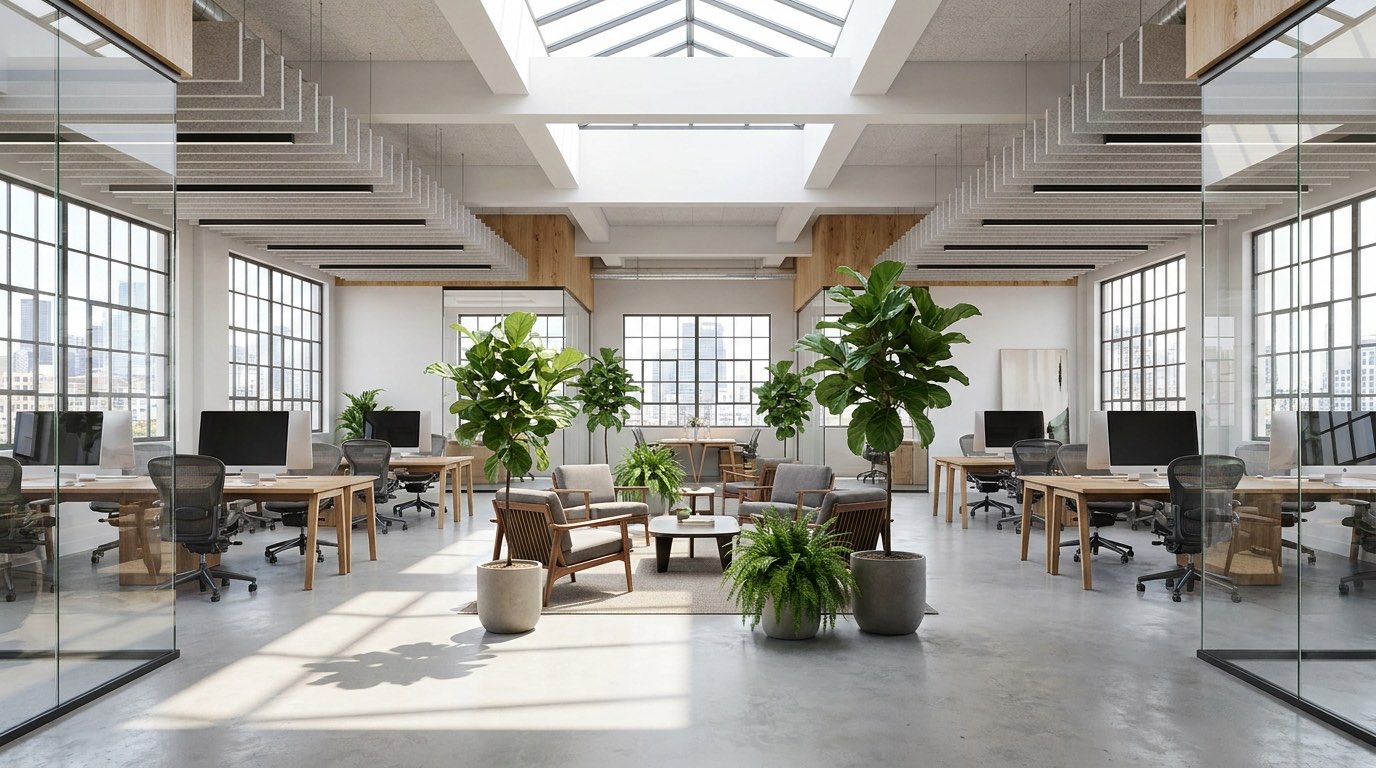
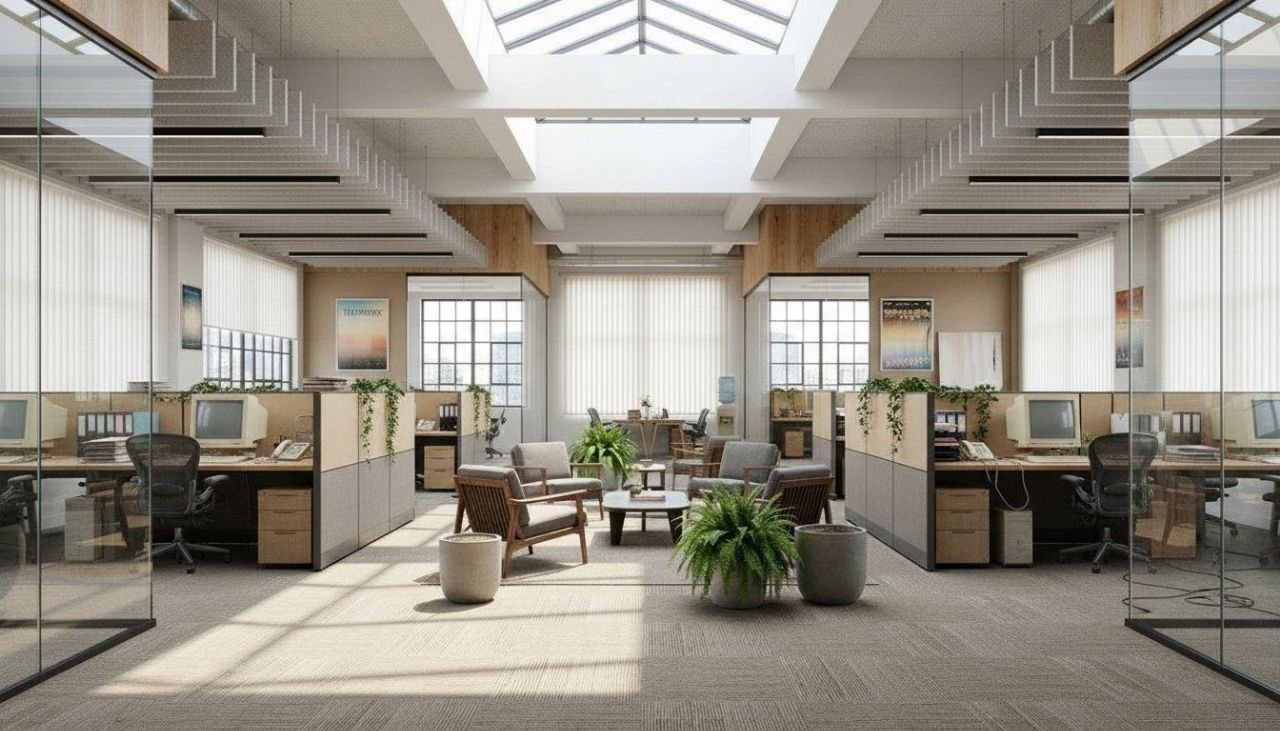
Wondering how to redesign your office? RoomGPT shows you exactly what's possible — before you spend a cent on furniture or a designer.


Free on iOS & Android
A great office redesign starts with one question most rooms get wrong: where does the light come from? Position your desk so a window falls to the side, not behind your monitor (which silhouettes your screen on video calls) and not directly in front of it (which fights with glare all afternoon). With the desk perpendicular to the window, you get soft, even daylight on your face and keyboard. Layer in a 4000K task lamp for late work and a small uplight in the corner to kill the cave-like shadows that make a home office feel like a closet.
The second lever is visual calm. Offices accumulate cables, sticky notes, and mismatched binders, and that clutter is cognitive noise. A redesign that works pairs closed storage (a low credenza, a cabinet with doors) for the ugly stuff with one open shelf for the things you actually want to look at. Keep the wall behind you, your video-call backdrop, deliberate: one framed piece, a plant, or a textured panel reads far better on camera than a blank builder-white expanse.
Color sets the mood you work in. Deep navy, warm clay, and sage green ground a workspace and photograph beautifully; crisp white plus walnut or oak keeps things bright and modern. The fun part is testing these in your actual room before you spend a dollar, and that is exactly what the free RoomGPT app lets you do.
Design tips for your office
- Place the desk perpendicular to the window so daylight lands on the side of your face, not behind your monitor where it creates webcam glare and silhouettes.
- Anchor the room with one moody wall color like deep navy, charcoal, or warm clay behind the desk, then keep the other walls light to bounce daylight around.
- Build a video-call backdrop on purpose: one framed print or a tall plant offset to the side reads far better on camera than a blank, evenly lit white wall.
- Pair closed storage like a low credenza or doored cabinet for cables and binders with a single open shelf for books and objects you actually want on display.
- Use layered lighting: a 4000K adjustable task lamp for the desk, a warm corner uplight to erase harsh shadows, and dimmable overheads instead of one flat ceiling fixture.
- Add a rug roughly 5x8 under the desk and chair to define the work zone, absorb echo on hard floors, and warm up an otherwise sterile, boxy room.
See your office in 100+ styles
Tap any style to explore office ideas, or open the app to apply it to your own photo.


Explore other rooms
Frequently asked questions
What is the best desk placement for a home office?
Set the desk perpendicular to your main window so daylight hits the side of your face rather than behind or in front of your screen, which avoids both glare and webcam silhouetting. If the room allows, leave the chair's back to a wall so you face the door, which most people find calmer. You can preview several layouts on your actual room in the free RoomGPT app before moving any furniture.
What colors work best in an office for focus?
Grounded, slightly desaturated colors tend to work best: deep navy, sage green, warm clay, and charcoal feel focused and look great on video calls, while white paired with oak or walnut keeps a small room bright. Avoid high-gloss bright white on every wall, which can feel sterile and cause screen glare. RoomGPT lets you test these palettes on a photo of your own office in seconds.
How do I make a small office feel bigger?
Float the desk off the wall isn't the move in a small room; instead push the desk against a window wall, use a slim wall-mounted shelf instead of a bulky bookcase, and choose a desk with open legs so the floor stays visible. Light walls, a single mirror, and one tall plant add depth. Snap a photo and try a few small-space styles free in RoomGPT to see what opens the room up.
How should I light a home office?
Use three layers: a dimmable overhead for ambient light, a 4000K adjustable task lamp on the desk for reading and detail work, and a warm corner uplight or floor lamp to soften shadows in the evening. Cooler light keeps you alert during the day; warmer light is kinder on long nights. You can visualize different lighting moods on your room in the free RoomGPT app.
Can RoomGPT design my office without a web tool?
Yes, the redesign happens entirely in the free RoomGPT app for iOS and Android, not in a browser. You photograph your office, pick from over 100 styles, and get AI redesigns in seconds, all on your phone. Download it from the App Store or Google Play and try it on your own room.