AI Kitchen Design — Redesign Your Kitchen From a Photo
Wondering how to redesign your kitchen? RoomGPT shows you exactly what's possible — before you spend a cent on furniture or a designer.
Free on iOS & Android
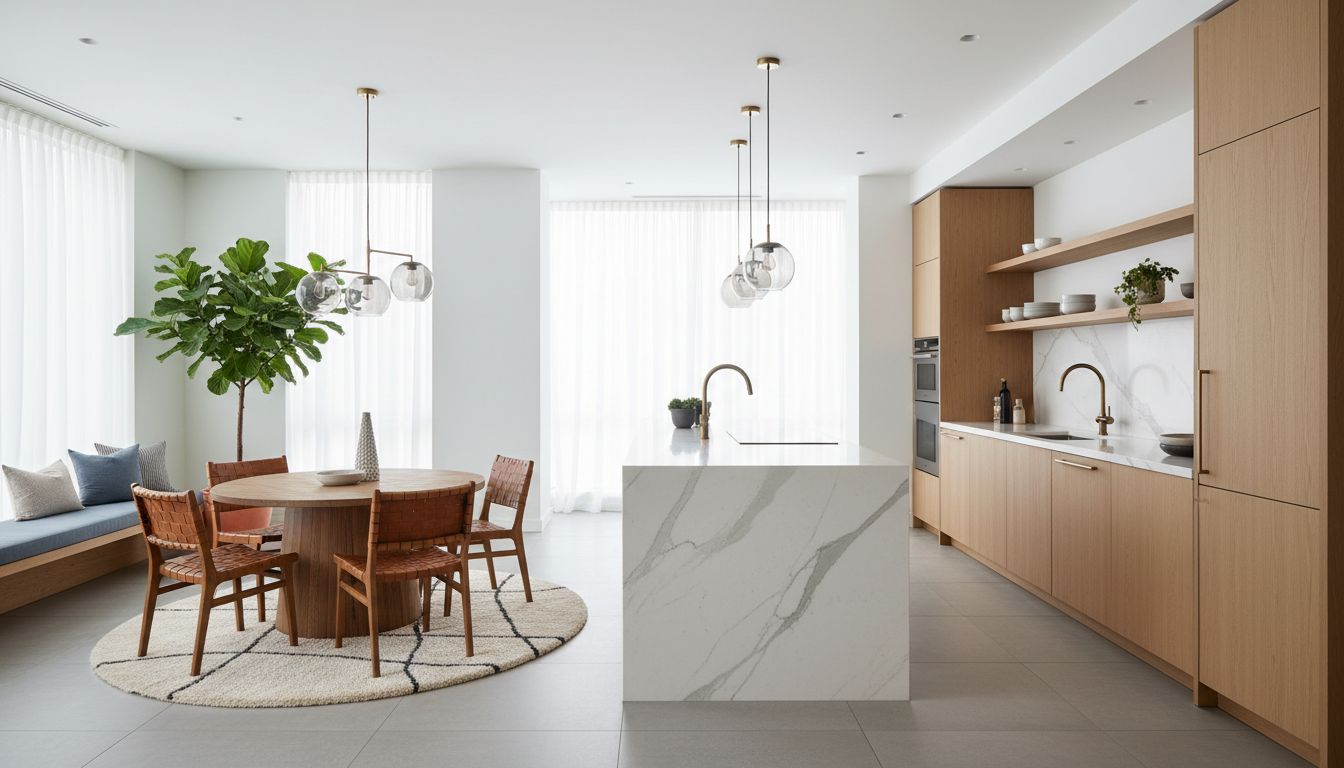
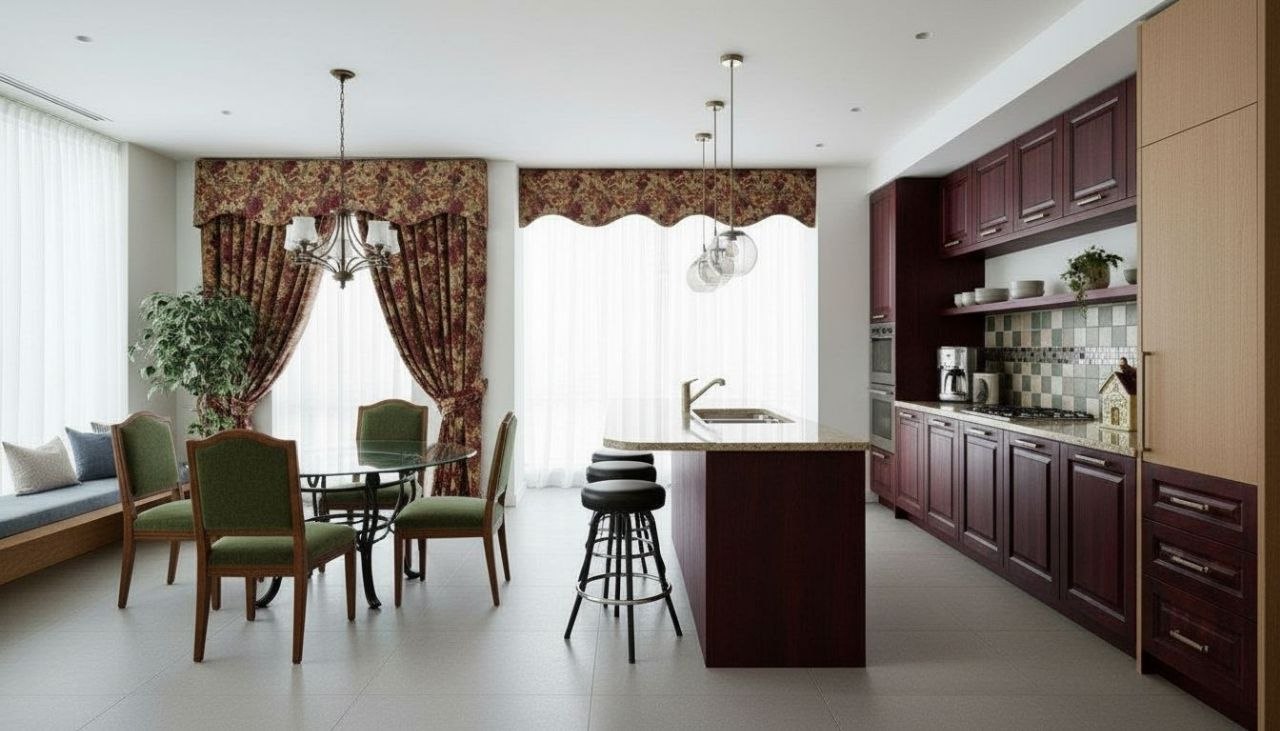
The kitchen is the hardest room in the house to redesign in your head. Cabinets, countertops, backsplash, flooring, hardware, and lighting all have to agree with each other, and a single wrong choice can throw the whole space off. That is exactly why seeing it matters more here than anywhere else. RoomGPT lets you photograph your actual kitchen and watch it transform, so you can judge whether warm white shaker cabinets really beat a moody navy lower, or whether that waterfall island fits your footprint before you spend a dollar.
Great kitchen redesigns usually start with the cabinets, because they cover the most visual surface. Painted shaker fronts in soft white, sage, or charcoal read timeless; flat-slab fronts in walnut or rift oak read modern. From there the countertop sets the temperature: honed marble and quartz with subtle veining stay calm, while butcher block and soapstone add warmth. Pair a busy stone with a quiet backsplash, or go the other way with a zellige tile feature wall and plain counters.
RoomGPT handles all of this visually. Snap your kitchen, pick a direction, and compare options side by side in seconds, free on iOS and Android.
Design tips for your kitchen
- Keep your countertop and backsplash from competing: if one has heavy veining or pattern, let the other stay quiet and solid.
- Two-tone cabinets add depth cheaply: darker lowers (navy, forest, charcoal) ground the room while white or oak uppers keep it bright.
- Match hardware finish to your faucet and lighting; unlacquered brass, matte black, or brushed nickel should repeat at least twice to feel intentional.
- On a tight footprint, choose a slim galley or L-shape over a bulky island; a 36 to 42 inch walkway keeps two cooks from colliding.
- Layer kitchen lighting in three: recessed ceiling cans, pendants over the island at 30 to 36 inches above the counter, and warm under-cabinet strips.
- A waterfall island edge and full-height slab backsplash read high-end, but they only work in open, well-lit kitchens with room to breathe.
See your kitchen in 100+ styles
Tap any style to explore kitchen ideas, or open the app to apply it to your own photo.


Redesign your kitchen now
Download RoomGPT free and transform your space in seconds.
See how it works

Explore other rooms
Frequently asked questions
What kitchen styles can I try?
RoomGPT includes over 100 styles, from modern farmhouse and Scandinavian to industrial, transitional, and warm minimalist. You can test several on the same photo and compare them in the free app.
Will it keep my kitchen's actual layout?
Yes. The redesign works from your photo, so the island position, window, and cabinet runs stay recognizable while colors, materials, and finishes change. That makes the result genuinely useful for planning.
Can I see different cabinet colors before I commit?
That is one of the best uses. Snap your kitchen once, then compare white, sage, navy, and walnut cabinet looks side by side so a paint or refacing decision feels informed instead of risky.
Is RoomGPT free to use?
Yes, RoomGPT is free to download on iOS and Android and you can start redesigning your kitchen right away. There is no web tool, so the experience lives entirely in the app.
How long does a kitchen redesign take?
Seconds. You photograph the room, choose a style, and the AI returns a redesigned version almost immediately, so you can iterate through ideas quickly without hiring anyone first.