AI Home Office Design — Redesign Your Home Office From a Photo
Stuck on ideas for your home office? Stop scrolling endless inspiration boards — see your actual space transformed instantly.
Free on iOS & Android
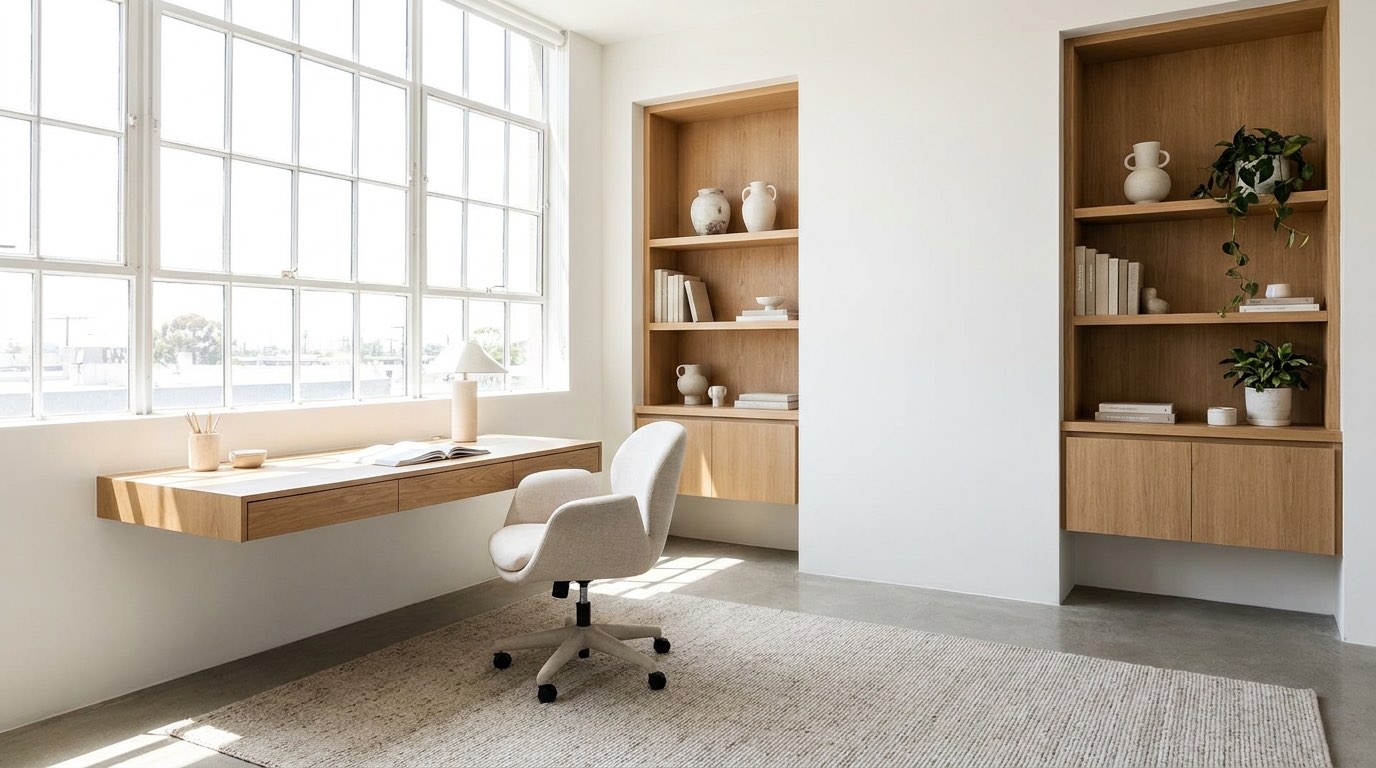
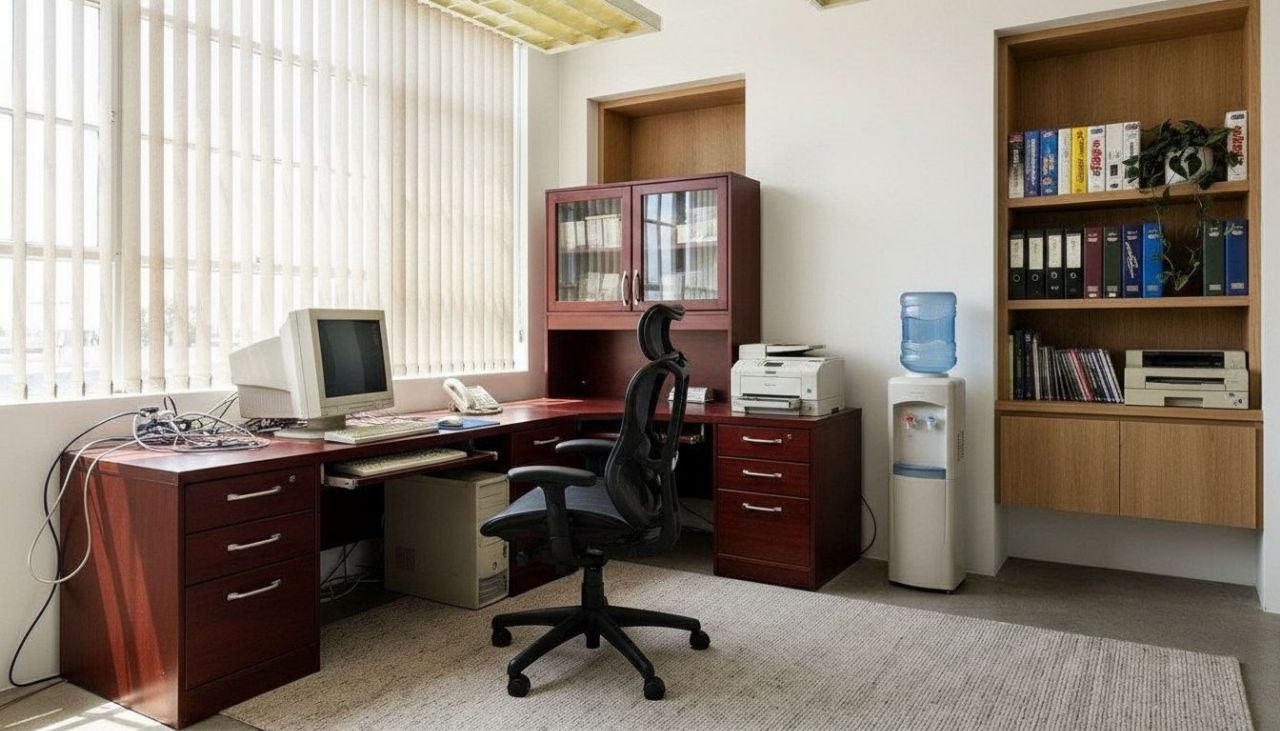
A home office has one job most rooms don't: it has to make you want to sit down and focus, then let you fully clock out a few feet from your bed or kitchen. That tension is why so many work-from-home setups feel off. The desk faces a blank wall, the only light is a harsh overhead fixture, and a tangle of cables undercuts every attempt to look pulled-together on a video call. RoomGPT lets you photograph your actual office and watch it reimagined in seconds, so you can test real fixes before buying a single thing.
Great office redesigns get the fundamentals right first. Position the desk perpendicular to a window so daylight rakes across the surface instead of glaring into your camera or screen. Layer light in three tiers: ambient from above, a focused task lamp at 2700K to 3000K for warmth, and a small accent light behind the monitor to cut eye strain. Anchor the room with a grounding color, then keep the wall behind you intentional, since that's your backdrop on every call.
Whether you're carving a workspace from a closet nook or styling a dedicated room, the app shows you exactly how a palette, a built-in bookshelf, or a different desk orientation would land in your space.
Design tips for your home office
- Place the desk perpendicular to a window so daylight crosses the work surface instead of glaring into your screen or webcam.
- Pick a warm task lamp at 2700K-3000K for the desk, and reserve cooler 4000K light for detailed close work only.
- Style the wall behind your chair as a deliberate video-call backdrop: a single shelf, framed art, or a deep green or navy paint block.
- Float a low bookshelf or credenza behind the desk to hide cables, store supplies, and give the camera visual depth.
- Choose a desk depth of at least 24-30 inches so a monitor sits an arm's length away without crowding your keyboard.
- Add one organic texture, a jute rug, oak desktop, or a trailing pothos, to soften all the hard rectangles of screens and shelving.
See your home office in 100+ styles
Tap any style to explore home office ideas, or open the app to apply it to your own photo.


Redesign your home office now
Download RoomGPT free and transform your space in seconds.
See how it works

Explore other rooms
Frequently asked questions
What colors work best in a home office?
Muted, grounding tones like sage green, warm clay, and deep navy reduce visual noise and photograph well on calls, while a crisp white or soft greige keeps a small office feeling open. Try a few palettes on your own room in the free RoomGPT app to see which suits your light.
How do I design a home office in a small space or closet?
Use vertical storage above the desk, a slim 18-24 inch deep work surface, and a light wall color to expand the space visually. RoomGPT can show your nook reimagined with built-ins or a fold-down desk so you can judge the fit before committing.
Where should I put my desk for the best lighting?
Set the desk perpendicular to a window so daylight falls across the surface rather than behind you or into your screen. If that's not possible, balance an overhead light with a warm task lamp to avoid shadows and glare.
Can RoomGPT redesign my office without me buying furniture?
Yes. You photograph the room as it is now and the app generates redesigns in 100+ styles, so you can preview layouts, colors, and furniture ideas risk-free before spending anything. It's a free download on iOS and Android.
What makes a home office look professional on video calls?
A considered backdrop matters most: a single styled shelf, framed art, or a painted accent wall behind your chair, plus soft front-facing light so your face isn't shadowed. Test backdrop options on your real wall in RoomGPT before rearranging.