AI Garden Design — Redesign Your Garden From a Photo
Reimagine your garden in seconds. Snap a photo and RoomGPT's AI returns a fully redesigned room in the style you choose.


Free on iOS & Android
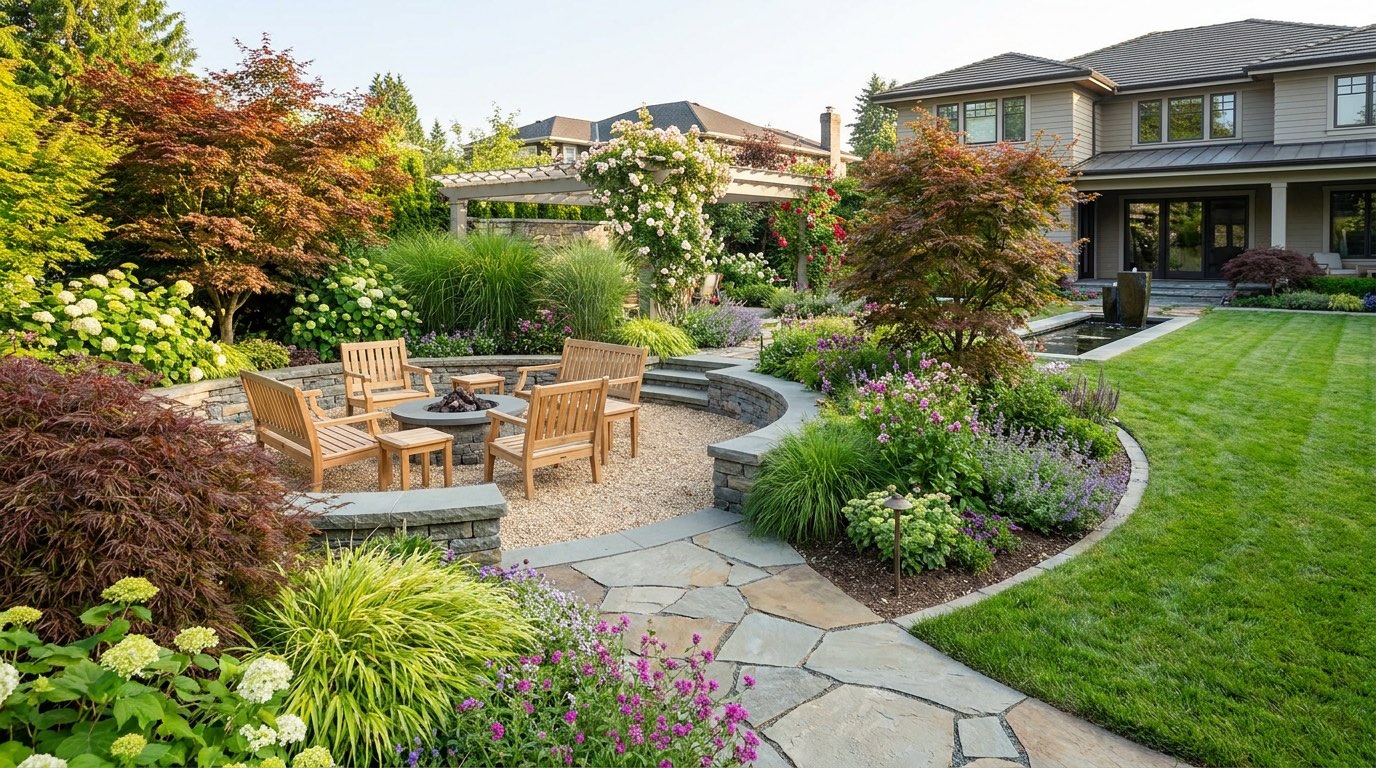
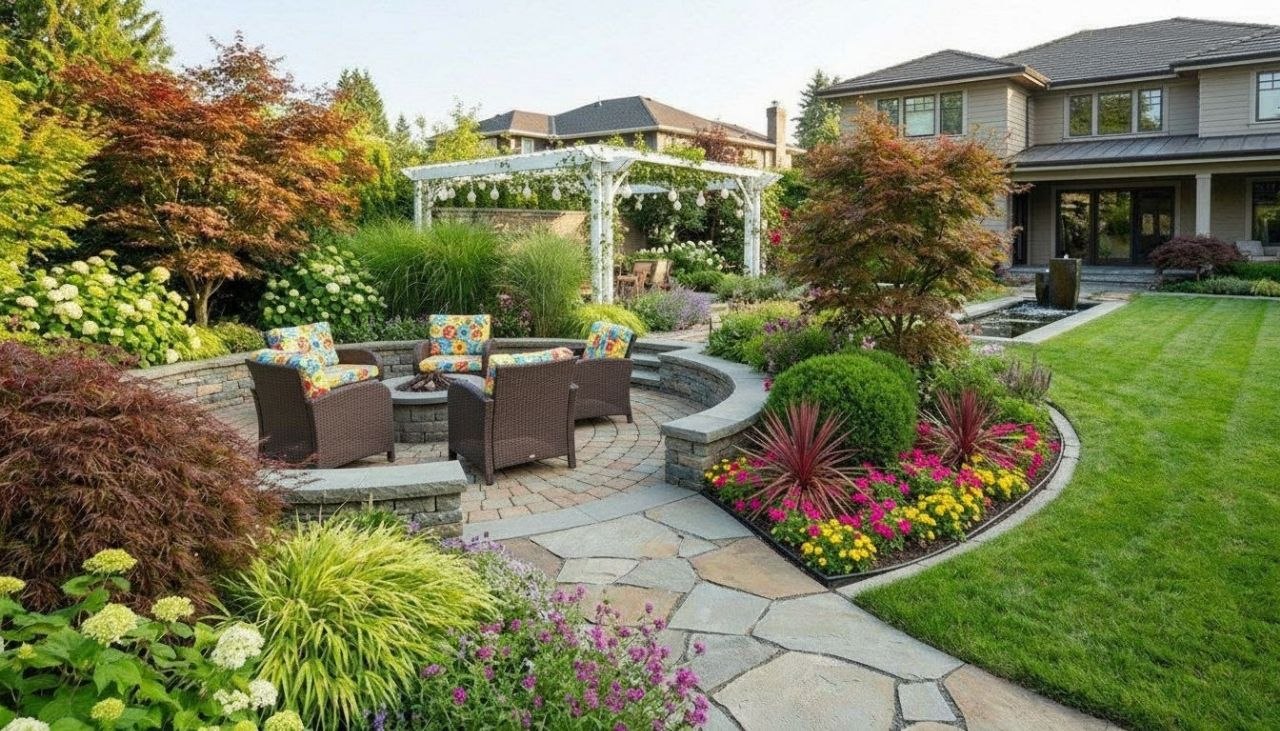
A garden is the hardest space to picture before you build it, because the "after" lives three growing seasons away. That gravel path, the climbing roses on the fence, the fire pit tucked into the back corner: by the time real plants fill in, you've already committed the money and the weekends. AI garden design closes that gap. With the free RoomGPT app you photograph your actual yard, patio, or balcony and watch it reimagined in seconds, so you can judge proportion and mood before you lift a single paver.
Great garden redesigns start with bones, not blooms. The best results come from getting the hardscape right first: defined edges, a clear path or two, and one strong focal point like a specimen tree, a water feature, or a seating nook. Then you layer planting in tiers, tall structure at the back, mid-height shrubs, then ground cover spilling over the edges. RoomGPT is genuinely good at showing this layering, whether you want a tidy formal parterre, a loose English cottage tangle, a low-water Mediterranean gravel garden, or a clean Japanese-inspired courtyard.
Lighting and materials are where a yard stops looking like a catalog and starts looking like yours. See it on your own garden and the styles suddenly feel real.
Design tips for your garden
- Anchor the layout with one focal point first, a specimen olive or maple, a water bowl, or a fire pit, then arrange paths and seating to point toward it.
- Plant in three tiers: tall structure at the back fence, knee-to-waist shrubs in the middle, and trailing ground cover softening every hard edge.
- For a low-water Mediterranean look, pair pale gravel, terracotta pots, lavender, and silvery olive foliage instead of thirsty lawn.
- Repeat one warm material, weathered teak, corten steel, or buff sandstone, across decking, planters, and edging so the space reads as one cohesive room.
- Add layered lighting: low path lights at ankle height plus a couple of uplights grazing a tree trunk for depth after sunset.
- Limit your plant palette to three or four colors, like white, deep green, and a single accent of purple or burnt orange, so it feels designed, not crowded.
See your garden in 100+ styles
Tap any style to explore garden ideas, or open the app to apply it to your own photo.


Explore other rooms
Frequently asked questions
Can AI redesign an outdoor garden, not just indoor rooms?
Yes. RoomGPT works on any photo, including backyards, front yards, patios, and balconies. You snap your outdoor space and it reimagines the layout, planting, and materials in your chosen style.
Do I need to know plant names or garden design rules?
Not at all. You pick a style like cottage garden, Japanese courtyard, or modern Mediterranean, and the app handles the composition. The tips above just help you judge which result will actually work in your yard.
Will it show me realistic hardscaping like paths, decking, and fire pits?
It does. RoomGPT renders hardscape elements such as paving, gravel, decking, planters, and seating areas, which is exactly where you want to lock in proportions before spending on materials.
Can I try different garden styles on the same photo?
Yes, and that's the point. Run your one yard photo through 100+ styles in the free RoomGPT app to compare a formal layout against a wild naturalistic one side by side.
Is RoomGPT free, and which devices does it work on?
RoomGPT is free to download on iOS and Android. You can photograph your garden and generate redesigns right from your phone in seconds.